Wallpaper behind the desk shows when you enter the room. Wallpaper in front of your chair is what you see while working. And the wall behind you becomes the background on video calls. Those could be three different walls. Choose which view you most want to change before choosing a design.
Start where you sit
Sit at your usual workspace and look up from the screen. Do you see a whole wall, a strip above the monitor, or just a corner? That area is a good starting point if the wallpaper is mainly something you want to enjoy yourself.
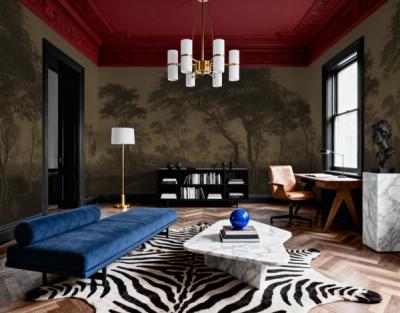
An image with plenty to look at can work on an open wall in front of or beside the desk. Historic Lands, Forest Green has trees and an opening in the woodland landscape. We'd place it so you can see the opening from your chair, rather than putting it directly behind the monitor.
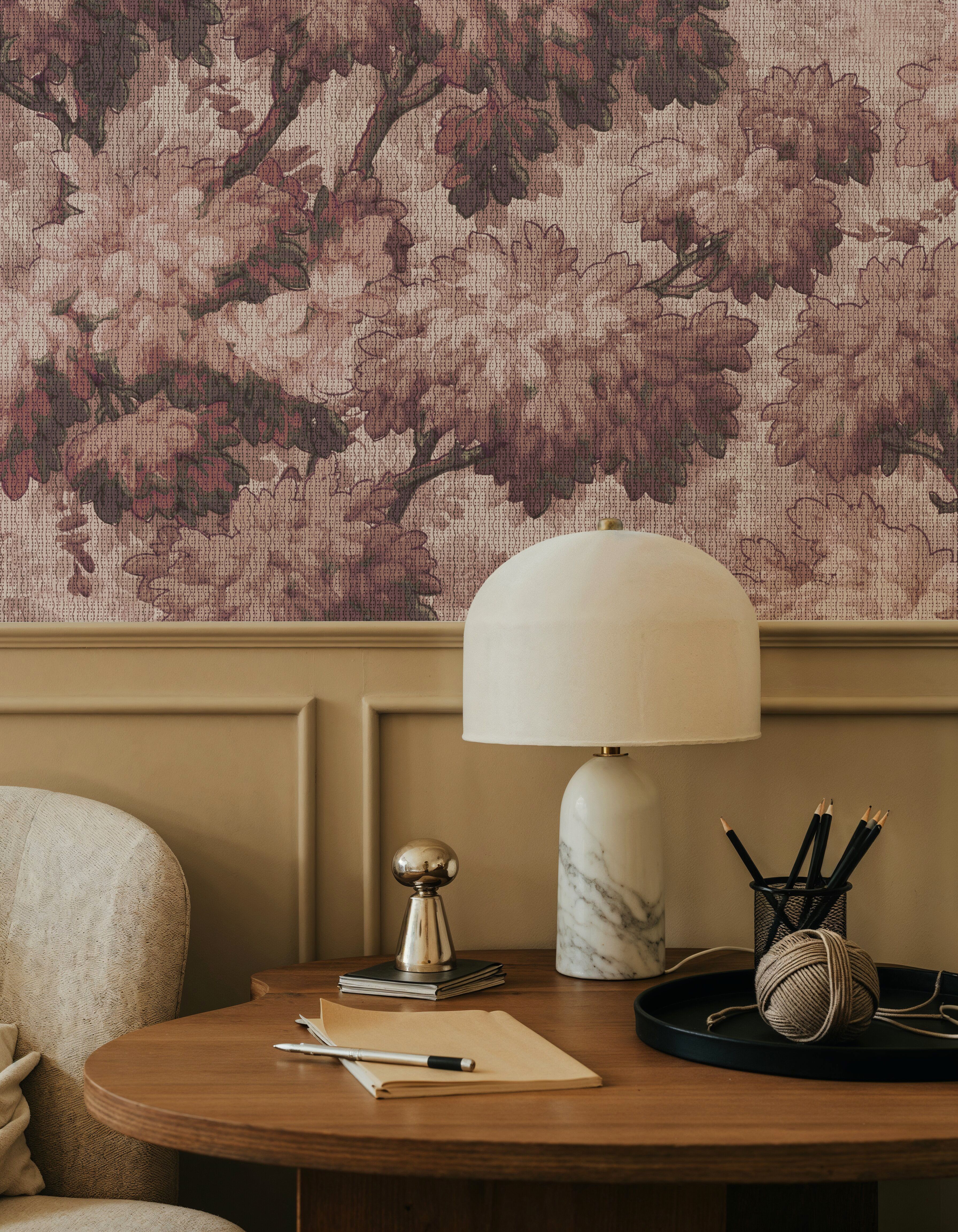
On a wall partly covered by work equipment, broad color fields can be easier to work with. The design still has a presence when a screen or shelf hides part of the image.
Try the camera view before ordering
Open the camera in the program you normally use for meetings. Sit as you usually would and see how much of the wall shows behind you. A large product image tells you relatively little about a design that will appear only in a narrow area beside your shoulders.
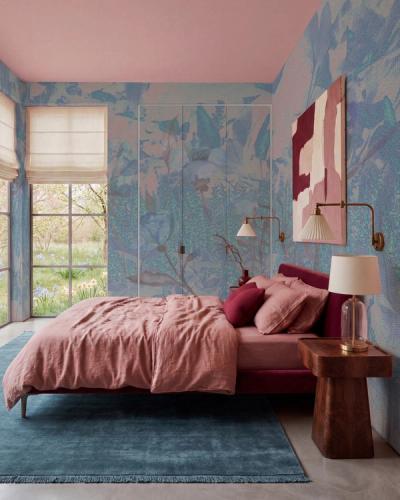
Flourish the Flow is one of our most ordered abstract designs. The painted fields of green, dark blue, and earthy colors make it an option when parts of the wall will show around a chair and shelves. Several areas can carry the image, so a single detail doesn't have to sit in the center of the camera view.
Check the background with the lighting you use for calls. Look at where shelf edges, plants, and lamps appear around your head, too. Moving a lamp may be easier than giving up the wallpaper you like.